
Thumbnail Analyzer vs. A/B Testing: Which One Saves More Time for Creators?
As a YouTube creator, time is your most valuable currency. Between scripting, filming, and editing, the last thing you want is for a video to flop because of a poor thumbnail. For years, the gold standard for optimization has been A/B testing. But as AI evolves, a new contender has emerged: the AI thumbnail analyzer. The question isn't just about which one works—it's about which one respects your time and helps you scale faster.
The Traditional Path: YouTube A/B Testing
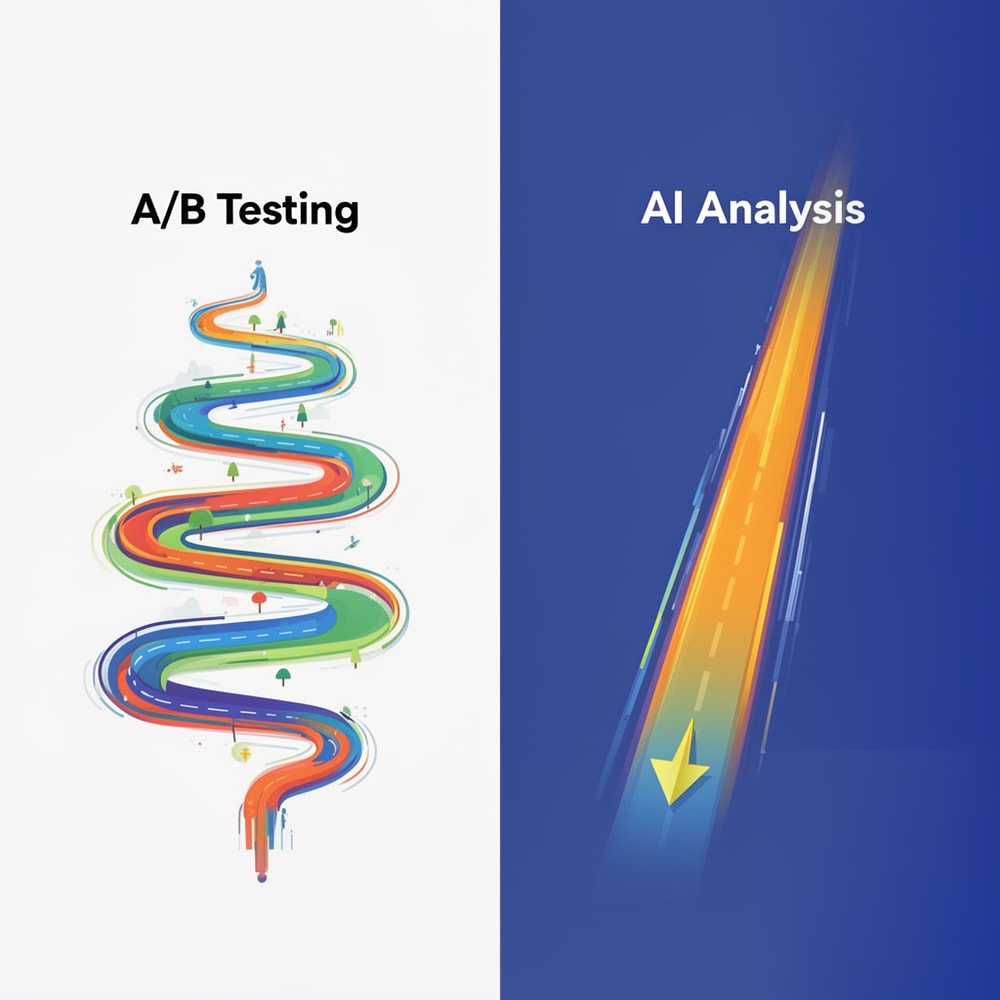
YouTube’s native "Test & Compare" feature is a powerful tool. It allows you to upload up to three variations of a thumbnail and see which one drives more watch time. This direct feedback from your actual audience is statistically robust. However, A/B testing comes with a hidden cost: latency.
To get a statistically significant result, your video needs thousands of impressions. For smaller channels, this can take days or even weeks. Even for large channels, the "learning phase" of an A/B test means that for the first 24 to 48 hours—the most critical period for a video’s explosive growth—you might be showing an inferior thumbnail to half your audience.
The New Speed: AI Thumbnail Analysis
This is where a thumbnail rater or analyzer changes the game. Instead of waiting for real-world data, AI models are trained on millions of high-performing thumbnails to predict what will work.
When you use a tool like Thumbnail AI, you get instant feedback. It looks at contrast, facial expressions, text legibility, and curiosity gaps in milliseconds. It’s not about replacing the audience; it’s about passing a "pre-flight check" before you even hit publish. By using an ai thumbnail generator or analyzer, you can identify a "dead on arrival" design before it ever hits the subscription feeds.
Deep Dive: What an AI Thumbnail Analyzer Sees
Unlike a human viewer who might say "I like this," an AI thumbnail analyzer deconstructs your image into data points. It evaluates:
- Heatmaps of Attention: Where is the eye drawn first? If it’s not the main subject or the text, your CTR will suffer.
- Emotional Intensity: Are the faces in your thumbnail expressing high-energy emotions (joy, fear, surprise)? AI can quantify this instantly.
- Color Theory & Contrast: Is your thumbnail legible in "Dark Mode"? AI checks if your foreground pops against the YouTube UI.
- Text Density: Using a thumbnail improver helps ensure your text isn't obscured by the timestamp or too small for mobile users.
Why Every Second Counts in the First 24 Hours
The YouTube algorithm relies heavily on initial velocity. If your Click-Through Rate (CTR) is low in the first three hours, the algorithm may stop pushing your video to wider audiences. A/B testing is a reactive strategy—it fixes a problem after it’s already occurring. An AI-driven thumbnail improver is a proactive strategy. It ensures that your very first impression is your best impression.
A/B Testing vs. AI: The Comparison
| Feature | A/B Testing (Traditional) | AI Analysis (Modern) |
|---|---|---|
| Time to Results | 24 hours to 2 weeks | 2 seconds |
| Data Source | Actual audience behavior | Historical pattern recognition |
| Cost | Often free (Native) or $$$ (Third-party) | Affordable/Instant |
| Best For | Fine-tuning high-traffic videos | Rapid growth and pre-launch checks |
| Risk | High (Shows bad thumbnails to half viewers) | Low (Filters out bad designs early) |
The Psychological Advantage: Stopping the Scroll
The goal of any thumbnail is to create a "Curiosity Gap." Traditional A/B testing tells you that one thumbnail performed better, but it rarely tells you why. An ai thumbnails tool can pinpoint the exact element that is failing. Is it the background clutter? Is the facial expression too neutral? By getting these insights before you launch, you save yourself from the "post-upload regret" that haunts many creators.
Using AI as Your Thumbnail Improver
Think of Thumbnail AI as your digital creative director. If you're stuck between two designs, don't waste 48 hours of your video's lifespan testing them. Run them through the thumbnail analyzer first. It will highlight if your text is too small for mobile users or if your main subject lacks the necessary contrast to stand out against YouTube’s dark mode.
Workflow Integration: The Hybrid Model
Many professional creators are moving toward a hybrid workflow. Here is how you can use an ai thumbnail generator to optimize your process:
- Drafting: Generate 3-5 concepts using an AI generator or your own design skills.
- Filtering: Run all concepts through Thumbnail AI. Discard anything scoring below an 80/100.
- Refining: Use the AI feedback to make small tweaks (increase saturation, move text).
- A/B Testing: Use the top 2 AI-verified winners for a native YouTube A/B test.
This ensures that even your "losing" variant in the A/B test is still a high-quality, high-CTR design.

The Final Verdict: Saving Your Time
If you are a solo creator, your bottleneck is almost always your own bandwidth. Spending hours analyzing spreadsheets of A/B test data is time you could spend filming your next hit. By integrating an ai thumbnails workflow, you automate the quality control of your channel.
Stop guessing and start knowing. Whether you need a quick thumbnail rater score or a full-scale thumbnail improver session, AI tools are the secret weapon for creators who want to spend more time creating and less time worrying about the click.
Ready to see how your current thumbnails rank? Head over to Thumbnail AI and get your first analysis in seconds.