
7 Ways a Thumbnail Analyzer Can Save Your Underperforming Videos

You’ve spent hours researching the perfect topic. You’ve scripted, filmed, and edited a masterpiece. You hit publish, feeling confident that this is the one—the video that finally goes viral. But 24 hours later, the views are flat. You check your analytics and see the dreaded 2.1% CTR.
Your video isn't failing because the content is bad; it’s failing because nobody is clicking.
In the hyper-competitive world of YouTube, your thumbnail is the frontline of your channel’s growth. If it doesn't stop the scroll, your video is effectively invisible. This is where a thumbnail analyzer becomes your most valuable asset. Instead of relying on a 'gut feeling,' you can use data and AI to identify exactly why your thumbnails are underperforming.
Here are 7 ways a thumbnail analyzer can save your videos and skyrocket your CTR.
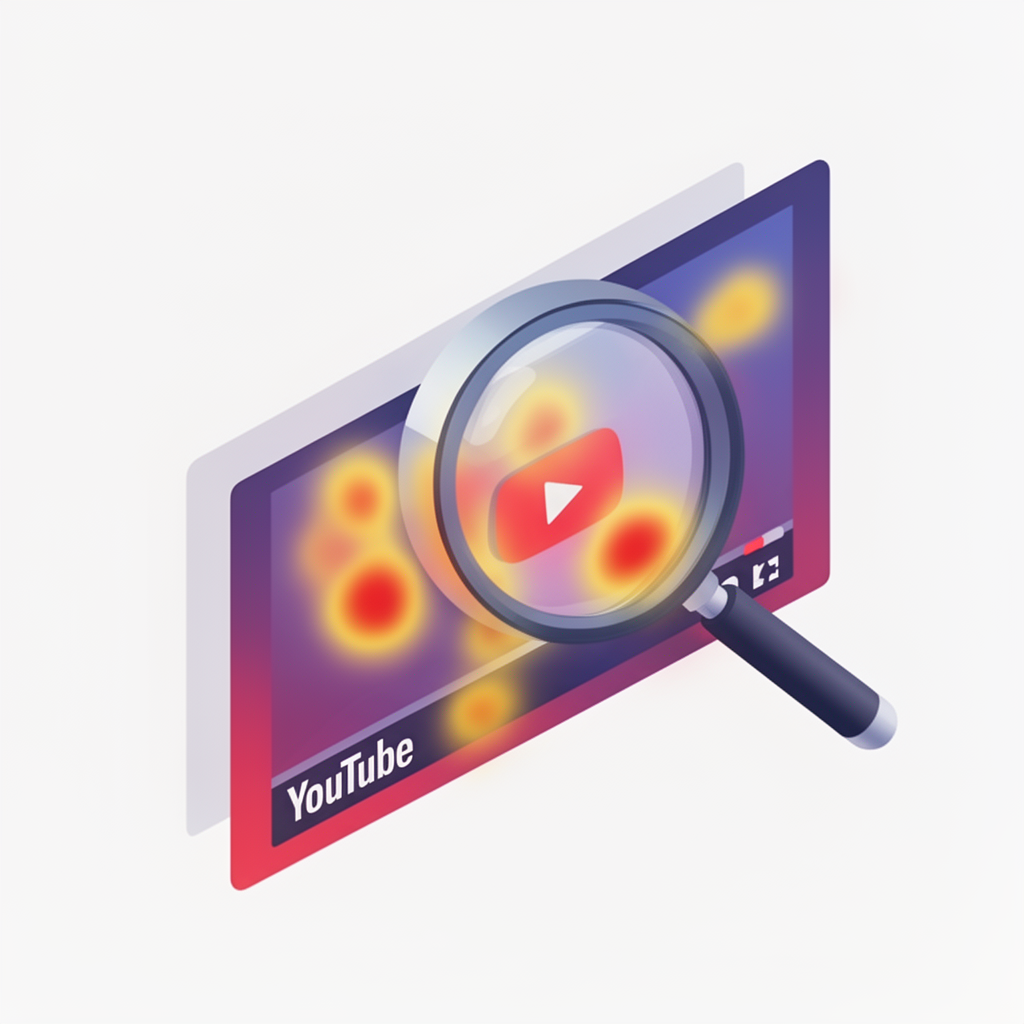
1. Visual Hierarchy & The 3-Second Rule
A viewer decides whether to click or scroll in less than three seconds. If your thumbnail is too busy, their eyes won't know where to land. A thumbnail analyzer uses predictive heatmaps to show you exactly where a viewer's attention is focused. Are they looking at your face? The text? Or a random tree in the background? By identifying the focal point, you can rearrange elements to ensure the most important part of your story is seen first.

2. Scientific A/B Testing (Without the Risk)
Traditional A/B testing on YouTube requires you to publish the video and swap thumbnails manually, often losing precious initial momentum. A high-quality thumbnail rater allows you to simulate these tests before you even upload. By comparing two variations against a database of millions of high-performing videos, you can choose the winner based on probability rather than a coin toss.
3. Mastering the Psychology of Contrast
YouTube’s interface is white, dark grey, or black. If your thumbnail uses these same colors prominently without high-contrast borders or accents, it will blend into the UI. A thumbnail improver analyzes the color spectrum of your image and suggests adjustments—like boosting saturation or shifting hues—to ensure your thumbnail 'pops' against the platform’s background.
4. Detecting 'Empty' Curiosity Gaps
A great thumbnail creates a curiosity gap—a question that can only be answered by watching the video. However, there is a fine line between a curiosity gap and clickbait that feels 'empty.' Analyzers evaluate the synergy between your title and your image. If the thumbnail promises something the title doesn't support (or vice-versa), viewers feel a sense of dissonance and keep scrolling.

5. Optimizing for the Mobile Majority
Over 70% of YouTube views happen on mobile devices. That beautiful design you made on your 27-inch monitor? It likely looks like a cluttered mess on a 5-inch phone screen. A thumbnail analyzer provides instant mobile previews and legibility checks. If your text is too small or your face is obscured by the timestamp (that little black box in the bottom right), the tool will flag it immediately.
6. Emotional Resonance & AI Scoring
Humans are biologically wired to respond to faces and emotions. But not every 'shocked face' works. Modern AI thumbnail tools can score the intensity of an emotion. Is your expression too subtle? Too exaggerated? An AI-driven analysis can tell you if your facial expression is aligned with the video’s sentiment, helping you build a deeper connection with potential viewers before they even hear you speak.
7. Competitive Benchmarking
Your video doesn't exist in a vacuum; it exists in a sidebar next to your competitors. Some advanced thumbnail analyzers can scrape your niche and tell you how your design stacks up against the top-ranking videos for your target keywords. If everyone else is using blue and you’re using blue, you might need to pivot to orange to stand out.
Stop Guessing, Start Growing with Thumbnail AI
If you're tired of the 'upload and pray' strategy, it's time to bring data into your creative process. Thumbnail AI is designed to be your personal thumbnail consultant. By using an AI thumbnail rater and analyzer, you can get instant feedback on your designs, generate high-CTR variations, and even create new thumbnails from scratch using the AI thumbnail generator.
Don't let a great video die because of a mediocre thumbnail. Use a thumbnail analyzer to find the flaws, fix the friction, and finally get the views your content deserves.