
5 AI Tools to Supercharge Your YouTube Thumbnail Workflow in 2025
In 2025, the battle for the click on YouTube has never been more intense. With millions of videos uploaded daily, your thumbnail is no longer just a cover—it’s a data-driven gateway to your content. If your Click-Through Rate (CTR) is stagnating, it’s time to move beyond manual design and embrace the AI revolution.
The Evolution of the YouTube Thumbnail
Gone are the days when a simple high-quality screenshot was enough to win over an audience. Today, thumbnails are complex psychological triggers. They must communicate value, evoke emotion, and create a 'curiosity gap'—all within a fraction of a second as a viewer scrolls through their feed. This shift has turned thumbnail design from a creative hobby into a rigorous science.
Creators who successfully leverage AI are finding that they can produce higher-quality visuals in half the time, allowing them to focus more on the content itself while the algorithms handle the heavy lifting of visual optimization.

The Psychology of a Click: Why Visuals Trump Text
Before we dive into the tools, it's vital to understand why AI is so effective here. Human brains process images 60,000 times faster than text. In a sea of search results, a viewer's eye is drawn to contrast, faces, and recognizable patterns before they even read your title. AI models today are trained on billions of these interactions, allowing them to predict which color palettes or facial expressions will trigger an instinctive 'click' response.
Top 5 AI Tools for Your 2025 Workflow
From generating high-quality assets to performing deep psychological analysis of viewer behavior, AI tools are transforming how creators approach their visual strategy. Here are the top 5 AI tools to supercharge your YouTube thumbnail workflow in 2025.
1. Canva: The Design Powerhouse with AI Magic
Canva has evolved from a simple drag-and-drop tool into a sophisticated AI design suite. Its 'Magic Studio' allows creators to generate unique images from text prompts, remove backgrounds with one click, and use 'Magic Expand' to fix awkwardly cropped photos. For YouTube creators, Canva’s strength lies in its speed. You can start with a proven template and use AI to swap elements or styles in seconds, maintaining brand consistency across your entire channel.
2. Adobe Express: Professional Precision with Firefly AI
For creators who need a bit more control without the steep leading curve of Photoshop, Adobe Express is a game-changer. Powered by Adobe Firefly, its generative AI is specifically trained on high-quality, copyright-safe imagery. The 'Text to Image' and 'Generative Fill' features allow you to add complex objects or realistic lighting effects to your thumbnails that would have previously taken hours to manually edit. It’s perfect for adding that professional 'polished' look that high-end channels are known for.

3. vidIQ: The Data-Driven Suggestion Engine
vidIQ has long been a staple for SEO, but their AI thumbnail generator is becoming a workflow essential. By analyzing your video’s title and description, vidIQ suggests thumbnail concepts that are statistically likely to perform well in your specific niche. It bridges the gap between creativity and data, ensuring that your visual hook aligns perfectly with what your potential audience is searching for.
4. CapCut: Optimization for the 'Shorts' Generation
As vertical video continues to dominate, CapCut has emerged as a leader in quick-turnaround thumbnail creation. While primarily a video editor, its built-in thumbnail tool allows you to grab the perfect 'hero frame' from your footage and use AI to enhance clarity and color balance instantly. For creators managing both long-form and Shorts, CapCut’s ability to synchronize design elements across different aspect ratios is a massive time-saver.
5. Thumbnail AI: The Ultimate CTR Optimizer and Analyzer
While the tools above help you create, Thumbnail AI helps you win. In 2025, simply having a pretty thumbnail isn't enough; you need to know if it will actually get clicked before you hit publish.
Thumbnail AI acts as a high-tech thumbnail rater and thumbnail analyzer. By uploading your design, the AI evaluates key metrics such as emotion, contrast, and visual hierarchy. It provides a CTR score and identifies specific 'blind spots' that might be killing your performance.
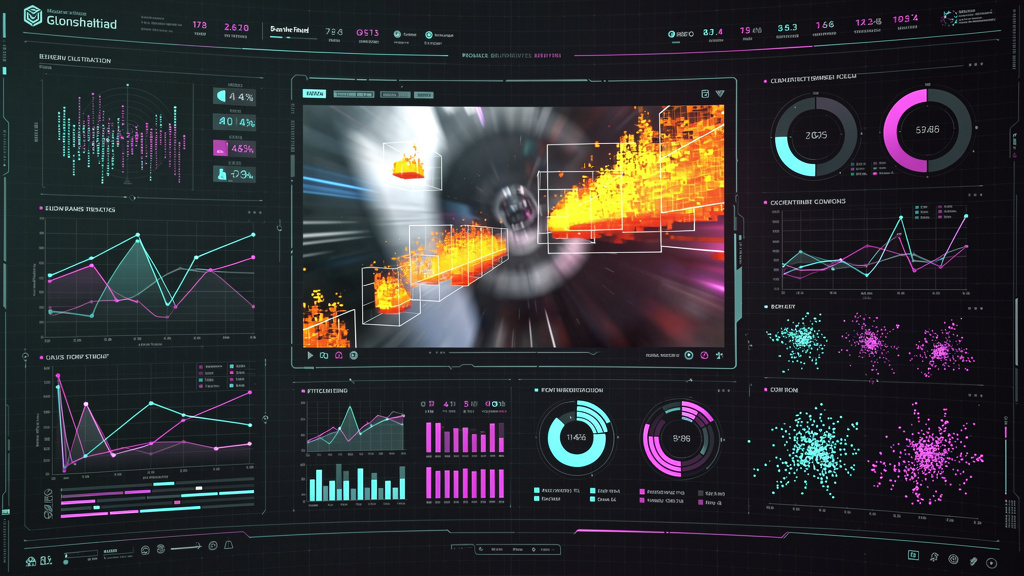
What truly sets it apart is its dual capability: it’s not just an analyzer, but also a powerful thumbnail generator. If your current design isn't hitting the mark, the tool can generate high-CTR variations based on proven patterns. It’s the ultimate thumbnail improver, allowing you to A/B test your ideas in a virtual environment before risking your real-world reach. For any creator serious about growth, using a thumbnail rater is the single most effective way to eliminate guesswork.
Optimizing for Mobile: The Tiny Screen Challenge
A common mistake creators make is designing thumbnails on a large 27-inch monitor and forgetting that 70% of viewers see them on a screen the size of a business card. AI tools now provide mobile-view simulations, but Thumbnail AI goes a step further by analyzing 'visual saliency'—essentially, what the human eye focuses on first at small scales. If your text is too small or your subject lacks contrast against the background, the AI will catch it before the viewer skips past it.
How to Integrate AI into Your Workflow Without Losing Your Voice
One of the biggest concerns for creators is that AI will make their content feel generic. The key is to use AI as a collaborator, not a replacement. Use it to automate the tedious parts of the process—like background removal or upscaling—and to provide data-backed feedback on your creative choices.
For example, you might use Adobe Express to create a unique character asset, Canva to layout the text, and then run the final design through Thumbnail AI to ensure the contrast and focal points are optimized for the YouTube homepage. This 'human-plus-AI' approach ensures that your unique style remains intact while your performance metrics skyrocket.
Conclusion: Building Your 2025 Workflow
Success on YouTube in 2025 requires a balance of speed, creativity, and data. By combining the design flexibility of Canva or Adobe Express with the rigorous analysis of Thumbnail AI, you can create a workflow that doesn't just produce more thumbnails—it produces better ones. Stop guessing what your audience wants and start using AI to give them exactly what they’re looking for. The future of content creation is here, and it’s powered by intelligent design.